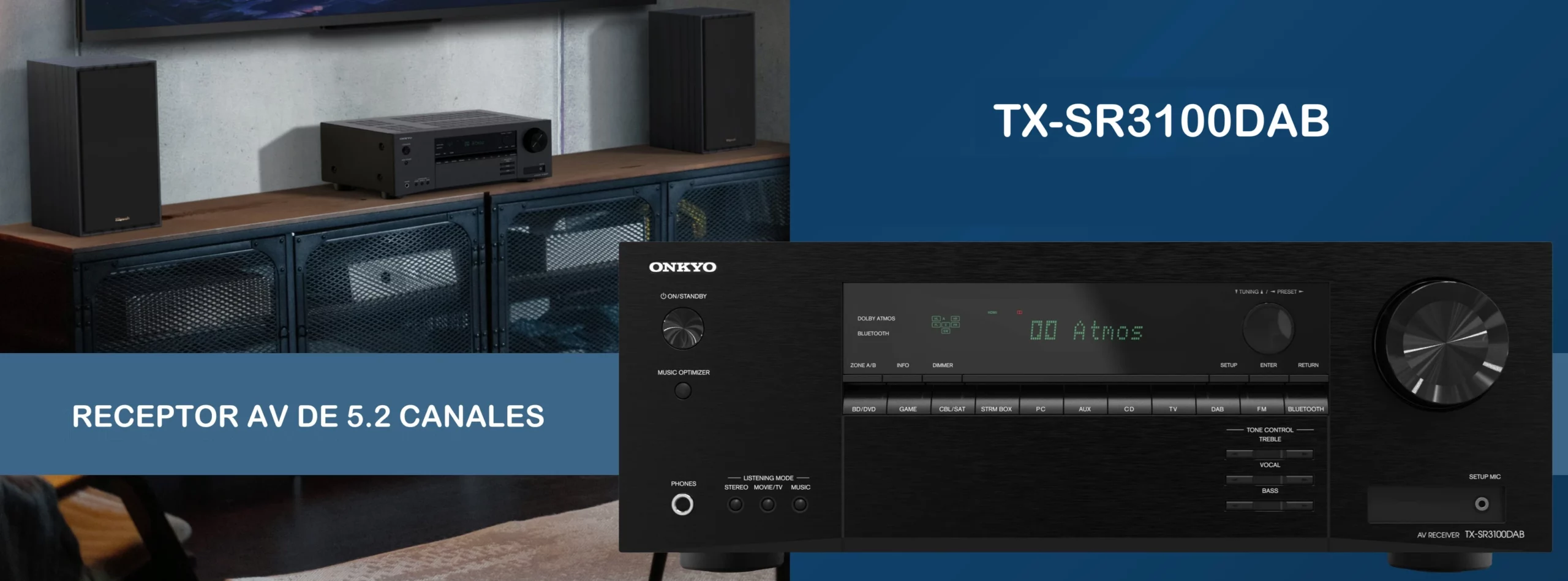
Here’s an in-depth look at the Onkyo TX-SR3100DAB receiver, a model known for being one of the most well-rounded options for those who want to make the leap to home theater sound without too many complications or high prices.
The good
- Class-AB amplification with real body – drives large towers with easenFull HDMI 2.1 (8K/4K 120 Hz, VRR, Dolby Vision/HDR10+) for console and PCnFast, automatic AccuEQ room calibration and simple setupnVery competitive at €499 – performs above its class
The bad
- No network streaming (Bluetooth only)nNo phono stage for turntablesnThe two subwoofer outputs can't be leveled independently
If we take a look at the manufacturer’s specifications regarding its power output, this unit delivers 155 watts when measuring a single channel operating at 6 ohms. However, in a more common two-channel configuration at 8 ohms, it delivers 80 watts, and that is the figure to compare with the watts per channel your room needs. The unit uses Class AB amplification, which is highly regarded for producing a warm, full-bodied sound. This model offers five amplifier channels, allowing for 5.2 or 3.2.2 configurations; the latter uses two of those channels to send sound upward.
And, before we get into all the details, we’d like to thank Onkyo for sending us this unit so we could test it thoroughly, as it has allowed us to see firsthand how this receiver performs in a real living room.
Technical Specifications
🔌 Power and Amplification
- 155 W (1 kHz, 10% THD, 1 channel at 6 ohms)
- 80 W (20 Hz–20 kHz, 0.08% THD, 2 channels at 8 ohms – FTC)
- Class AB Amplifier
- Channel configuration: 5.2 or 3.2.2 (5 amplified channels)
🎥 HDMI and Video Inputs
- 4 HDMI inputs / 1 HDMI output (eARC)
- Ultra HD 8K / 4K
- Support for Dolby Vision and HDR10+
- Supports: HDCP 2.3, HDMI 2.1a, VRR, QFT, Dynamic HDR, ALLM, DSC, SBTM
🎧 Audio Inputs and Outputs
- 4 HDMI
- 3 RCA inputs
- 10 optical inputs
- 1 coaxial input
- 2 pre-out jacks for subwoofers
- Zone B Stereo RCA Output
🎬 Surround modes
- Dolby Atmos
- Dolby Surround
- DTS:X
- Neural:X
- Dolby Atmos Height Virtualizer
- DTS Virtual:X
⚖️ Dimensions and Weight
- Weight: 8.4 kg
- Dimensions: 435 x 328 x 160 mm
⭐ Features
- 80 W per channel × 5 channels
- High-Current Amplifier
- Compatibility with Dolby Atmos® and DTS:X®
- HDMI 2.1a with 8K/4K, HDCP 2.3, Dolby Vision, HDR10+, SBTM
- 5.2- or 3.2.2-channel processing with height virtualization and Dolby Atmos surround sound
- Bluetooth®
- DTS:X, DTS Virtual:X, and Neural:X
- AccuEQ Room Calibration
- Optimized Mode for Klipsch
- Music Optimizer
Packaging and Contents
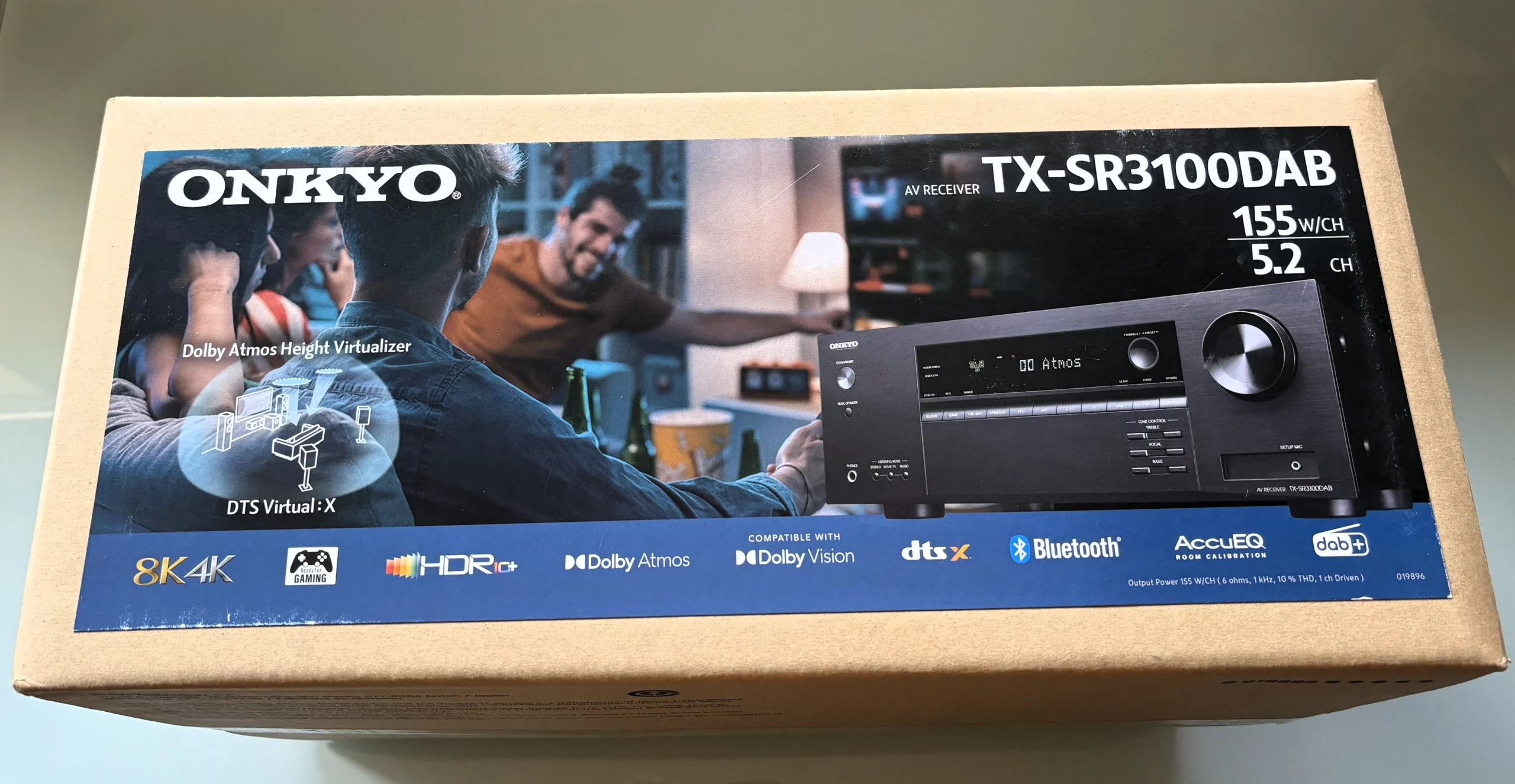
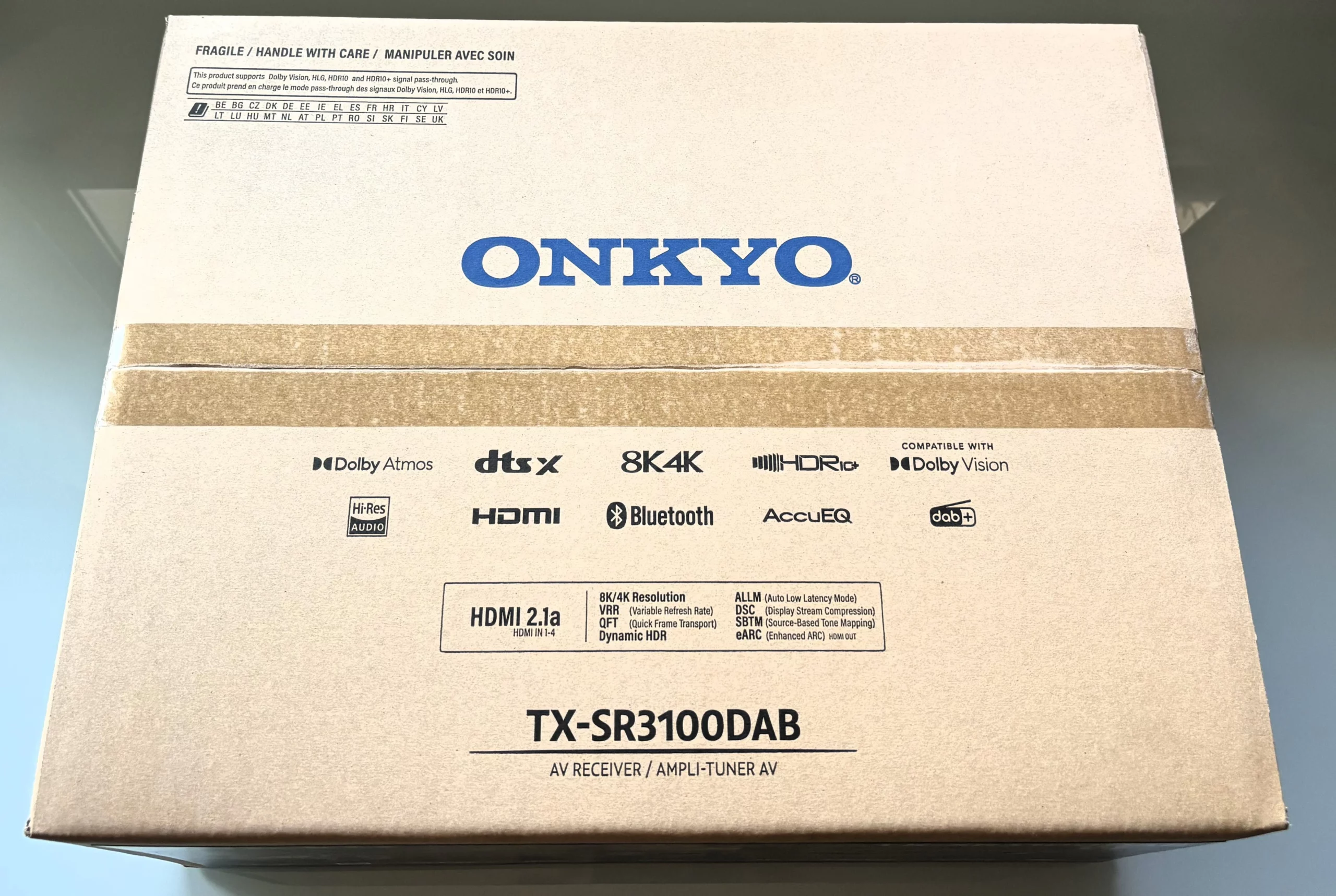
The box that the Onkyo TX-SR3100DAB comes in features quite a few details. On the front, next to an image of a family enjoying the system, the Dolby Atmos and DTS:X logos are clearly displayed, and the box also notes that it’s an 8K-ready device designed to get the most out of the latest-generation game consoles and TVs.
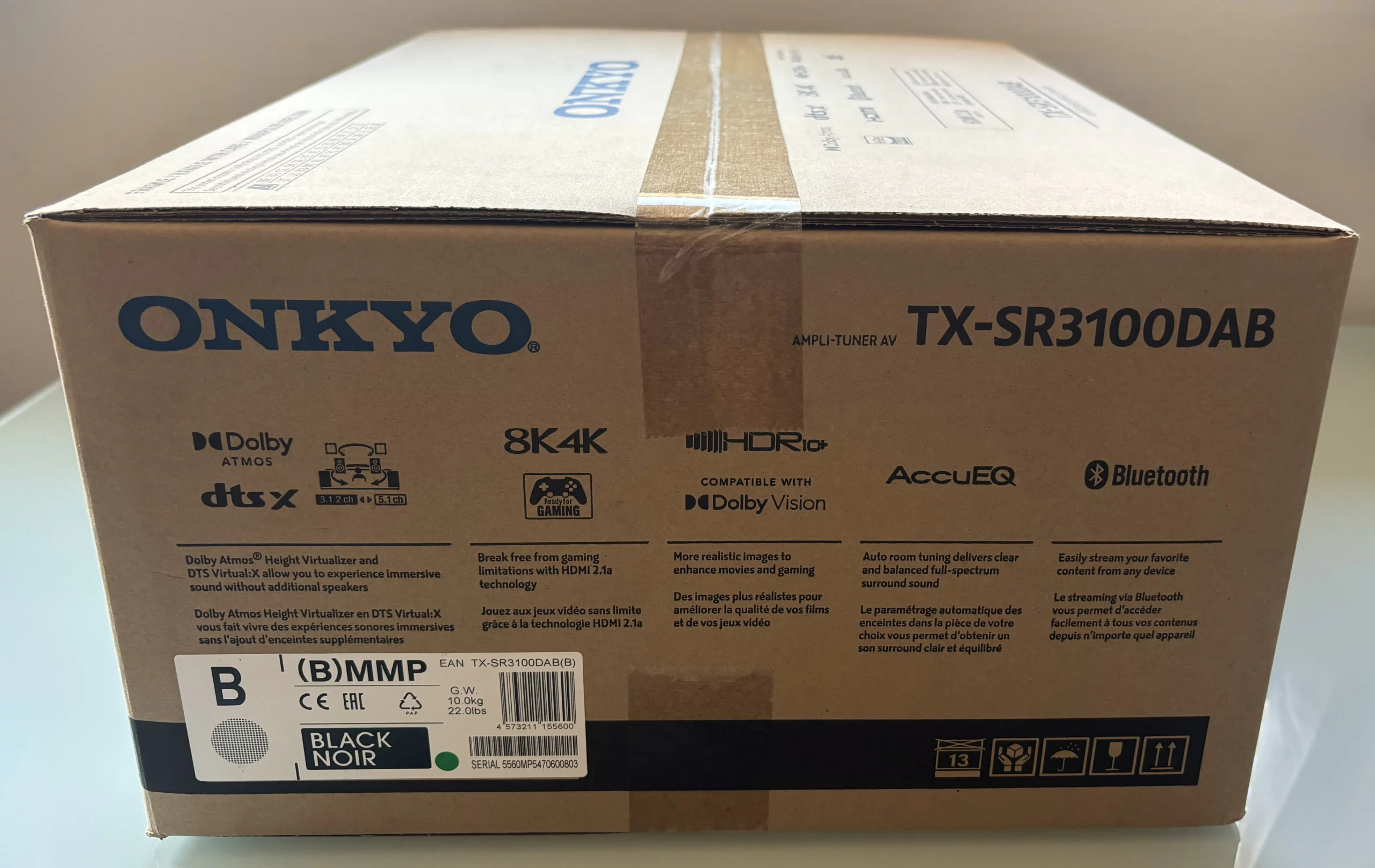
The other pages include very clear diagrams explaining what each technology does. For example, it explains that the receiver is compatible with HDMI 2.1a, which enables features like VRR and ALLM—meaning that if you connect a console to it, the image will play smoothly without those annoying stutters or screen freezes.
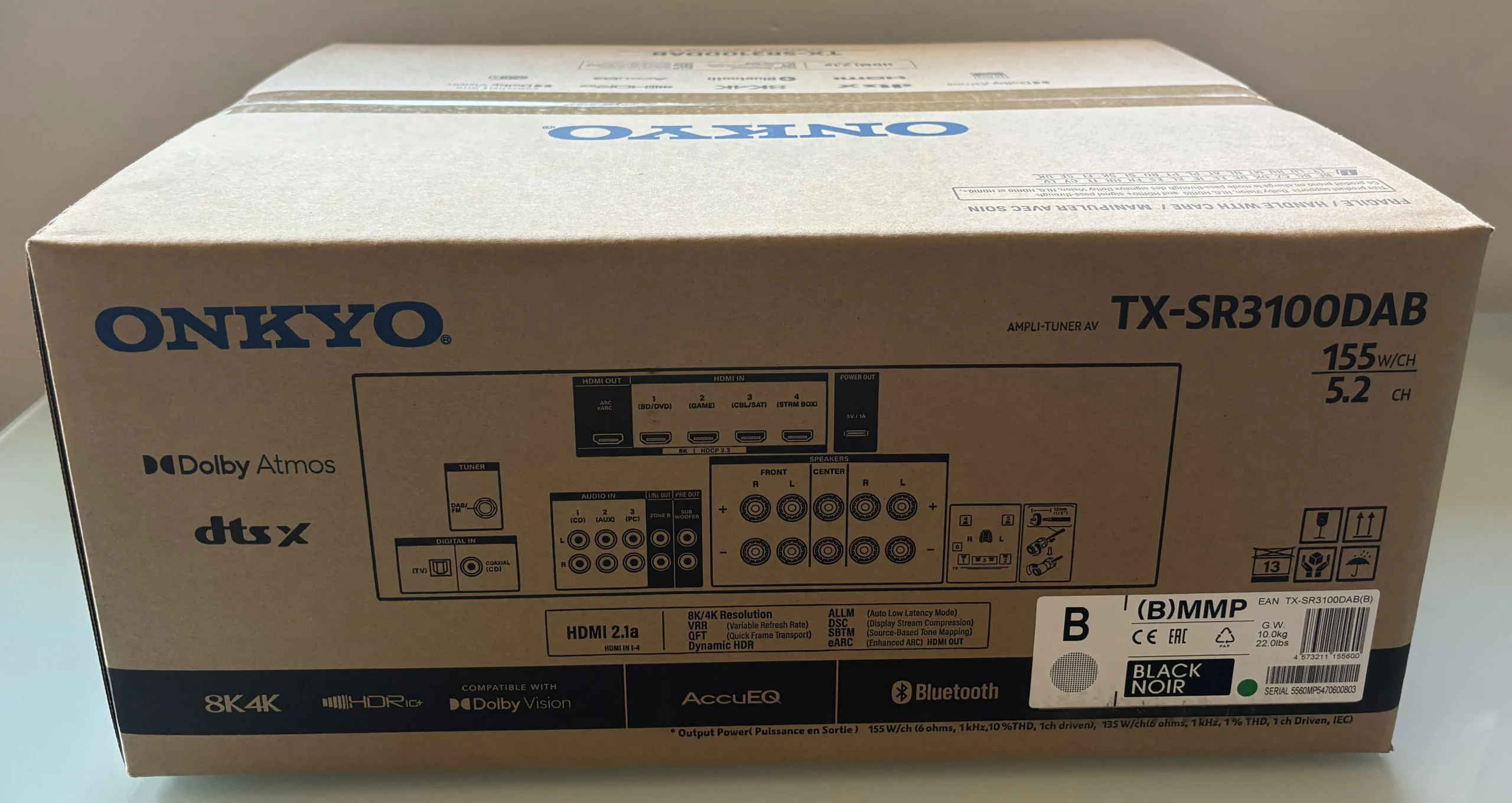
If we turn it over, Onkyo has thoughtfully included a diagram of the rear panel so you know exactly which cables you’ll be able to connect even before you take the unit out of the box.

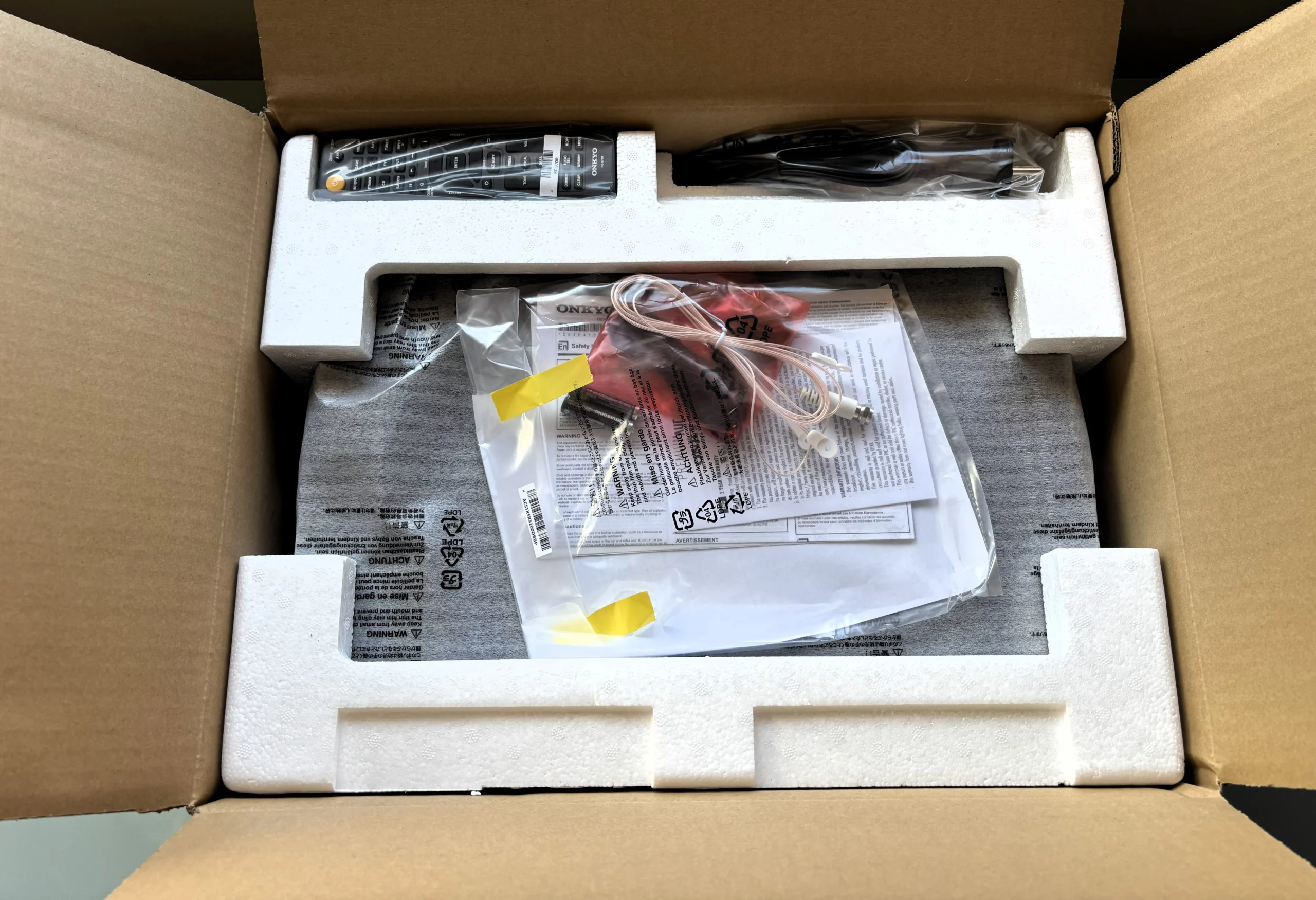
As soon as you open the box, you can see that the receiver is very well protected between two large pieces of white cork that hold it securely in place so it won’t be damaged if the box is bumped during shipping.
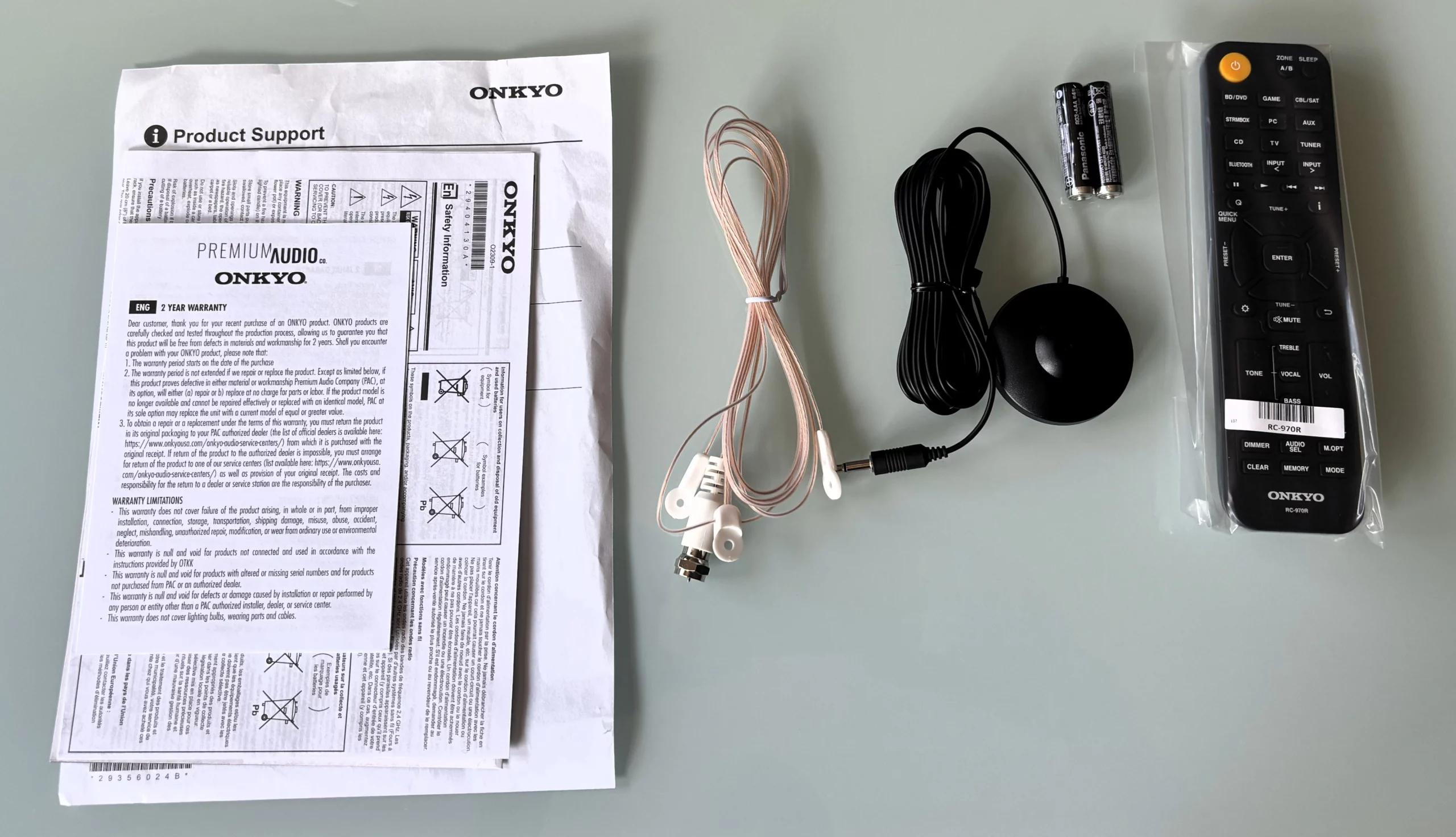
As for what’s inside the box along with the receiver, it comes with the remote control—model RC-970R—a pair of AAA batteries, a cable antenna for DAB/FM radio, and, most importantly, the AccuEQ setup microphone. Of course, it also comes with the instruction manual and warranty documents, just in case you need them.
Onkyo TX-SR3100DAB: Design, Connections, and Remote Control
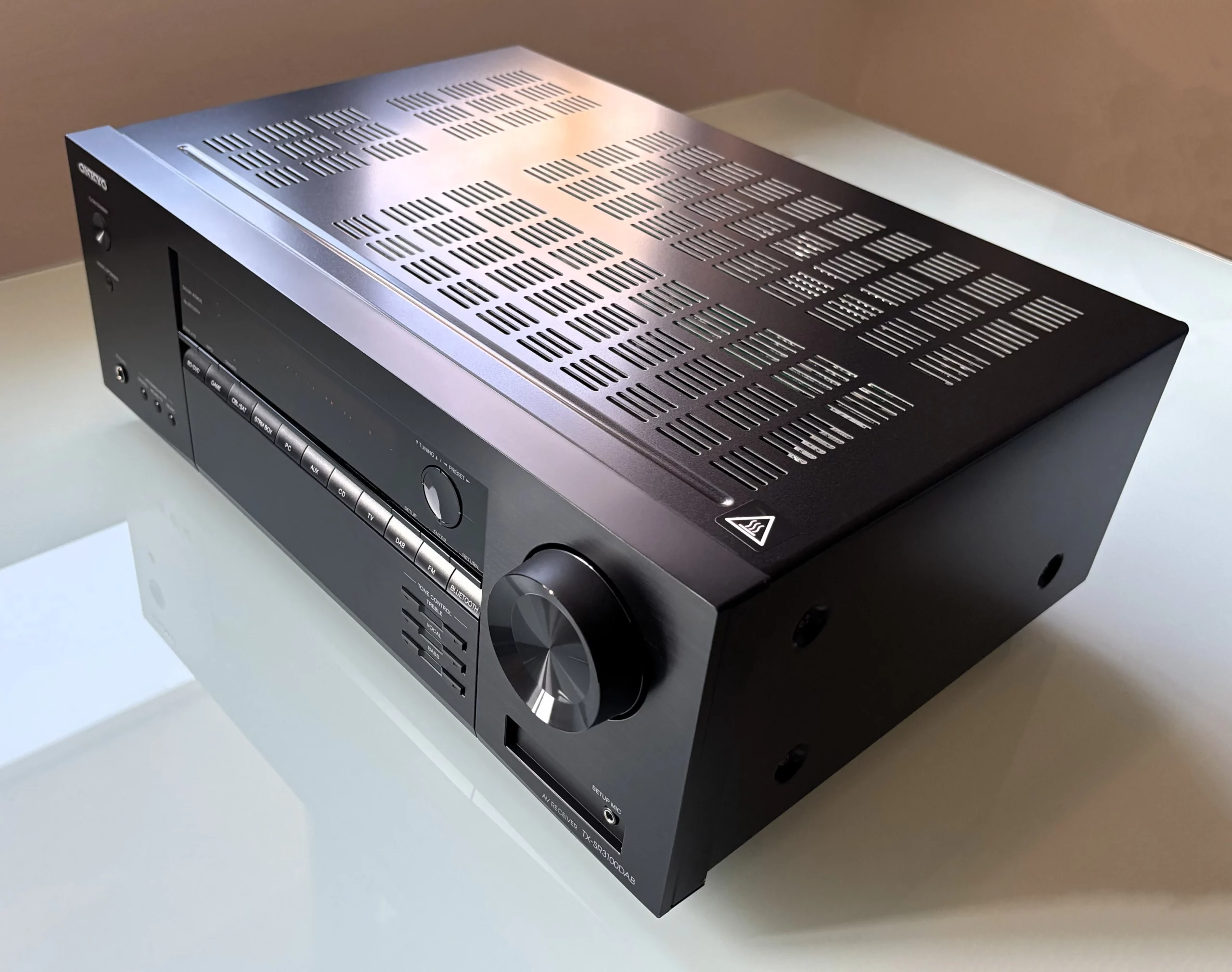
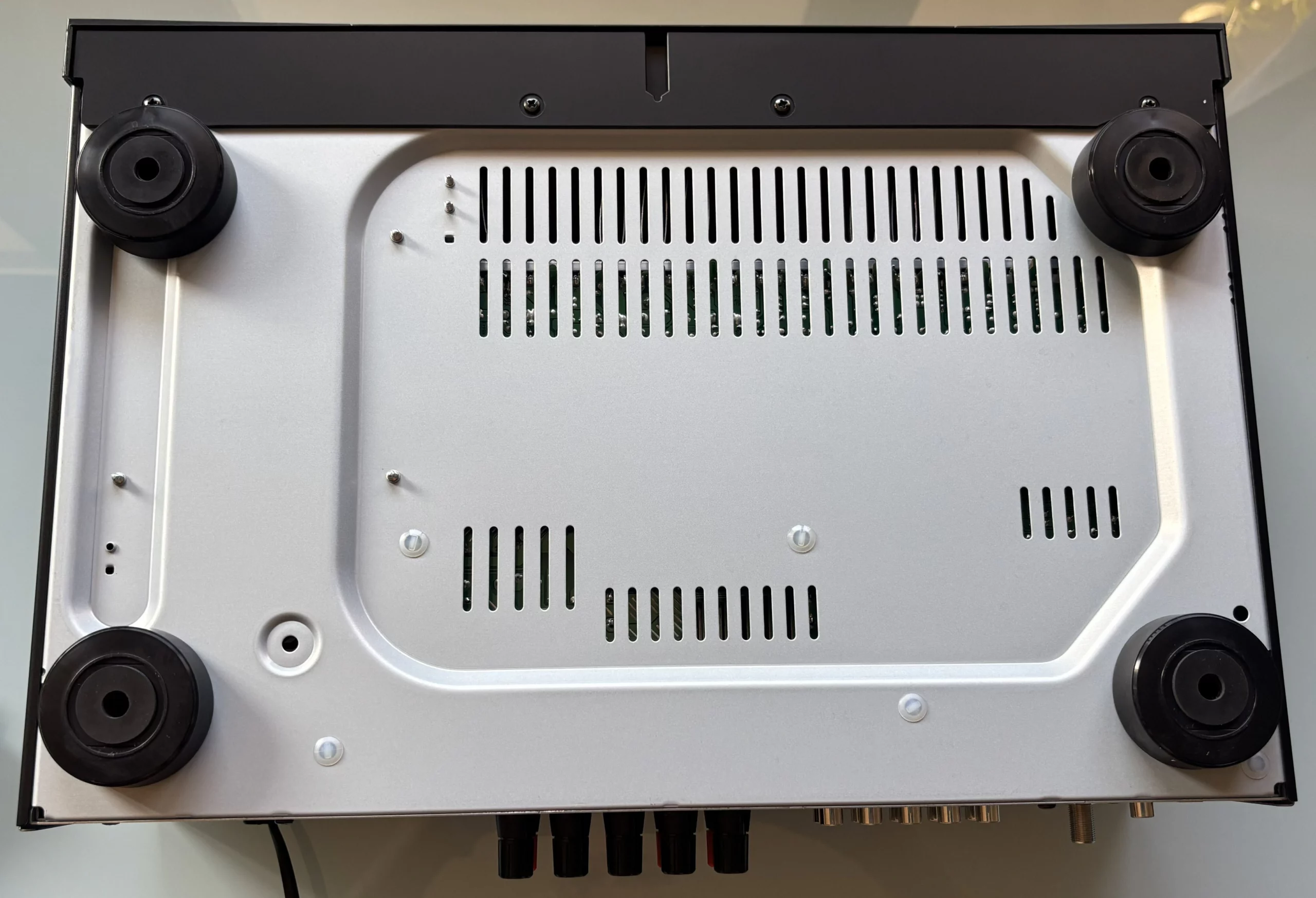
At first glance, the Onkyo TX-SR3100DAB feels like a piece of old-school equipment, with a sturdy build weighing about 8.1 kilos, a certain retro vibe, and a considerable size—you’ll need to find a spot for it or a small AV cabinet. You can tell that it’s made with high-quality materials and is built to last for years.
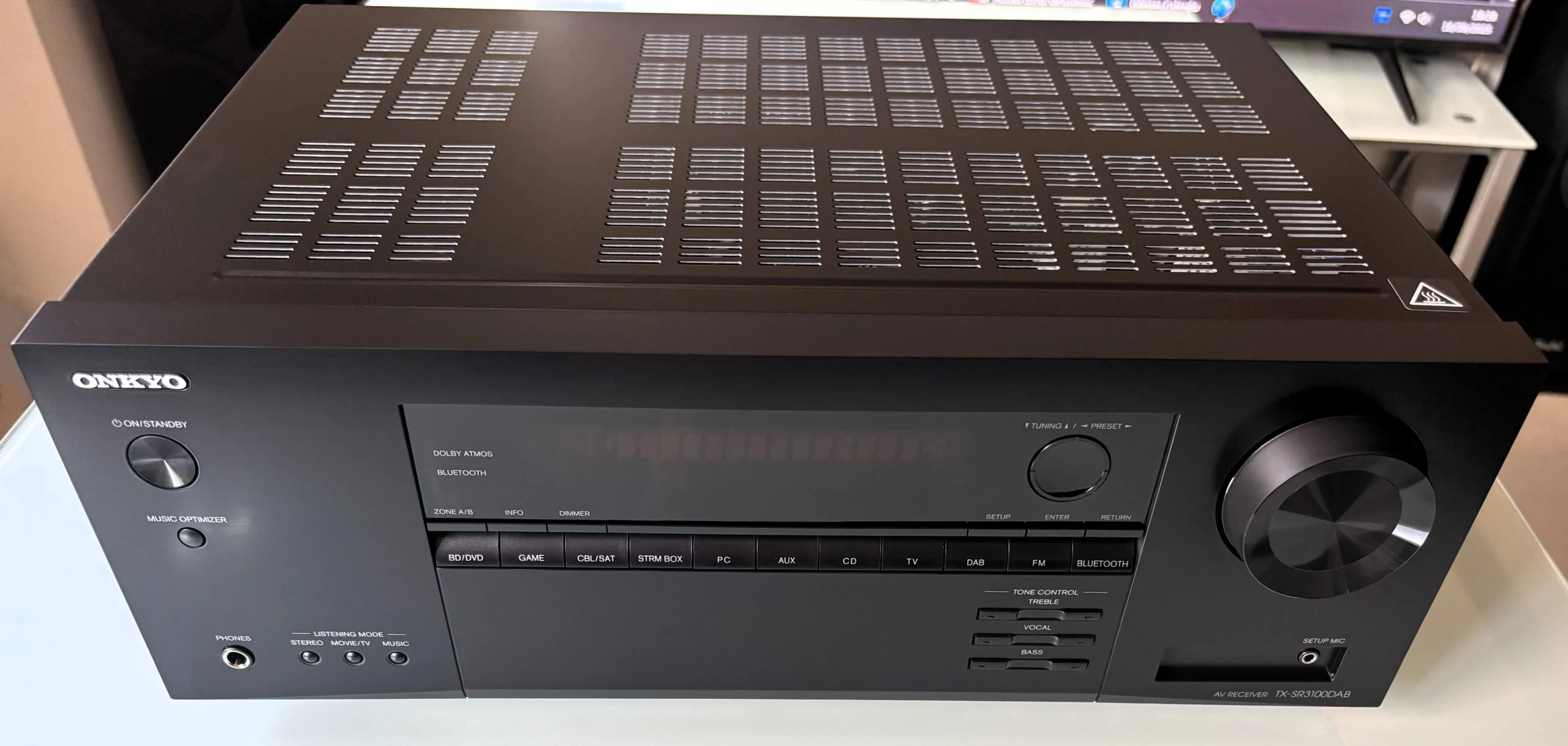
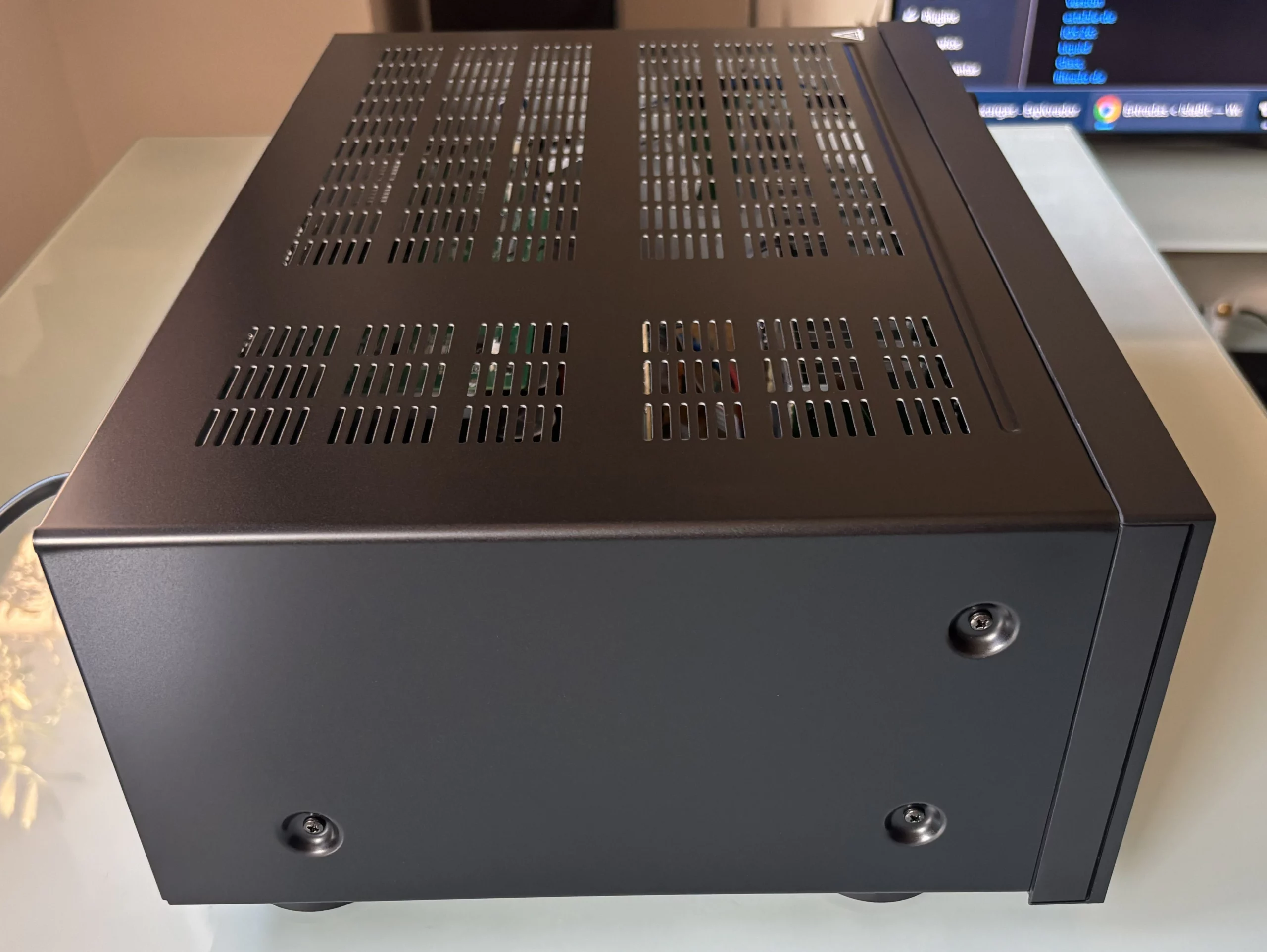
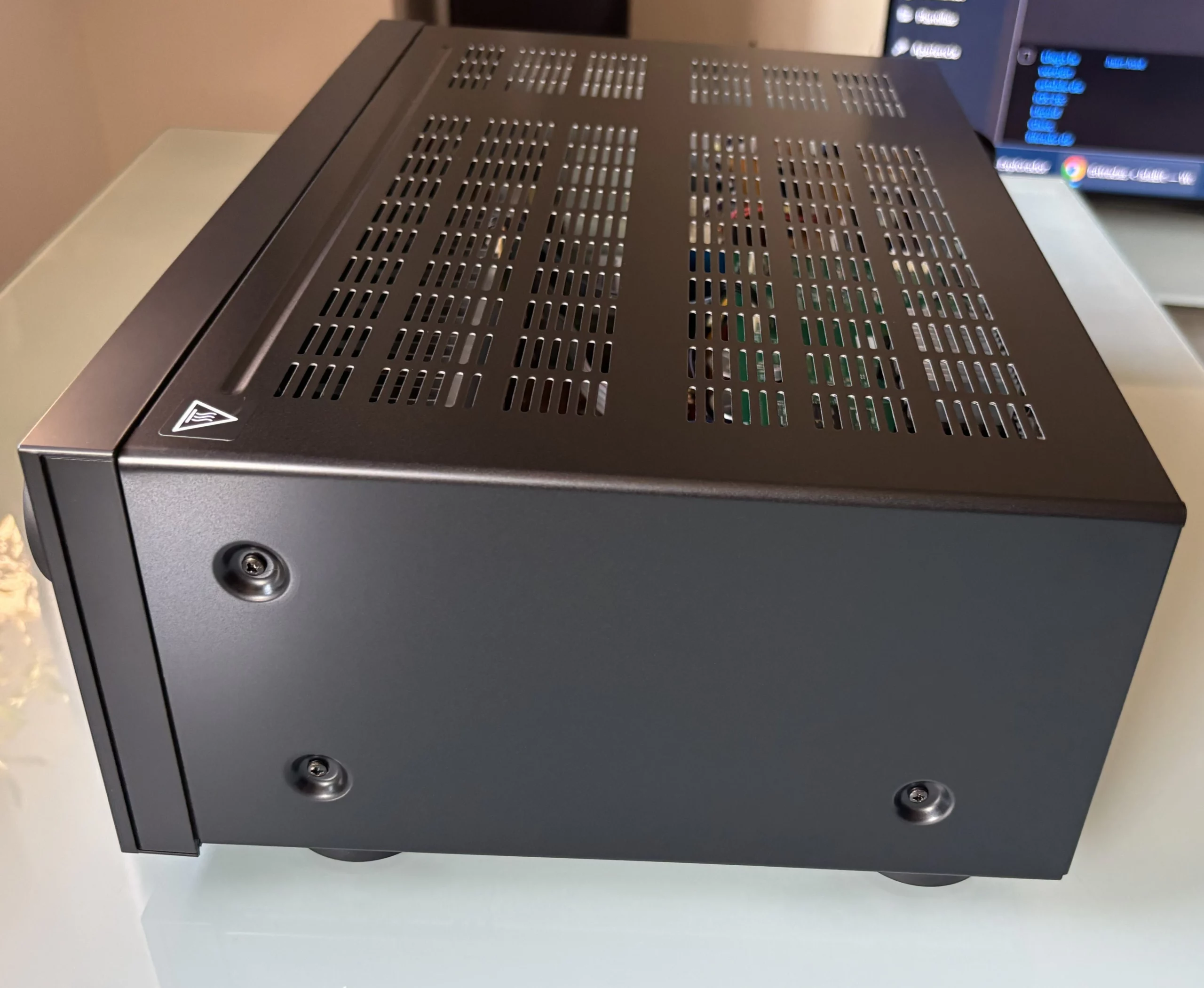
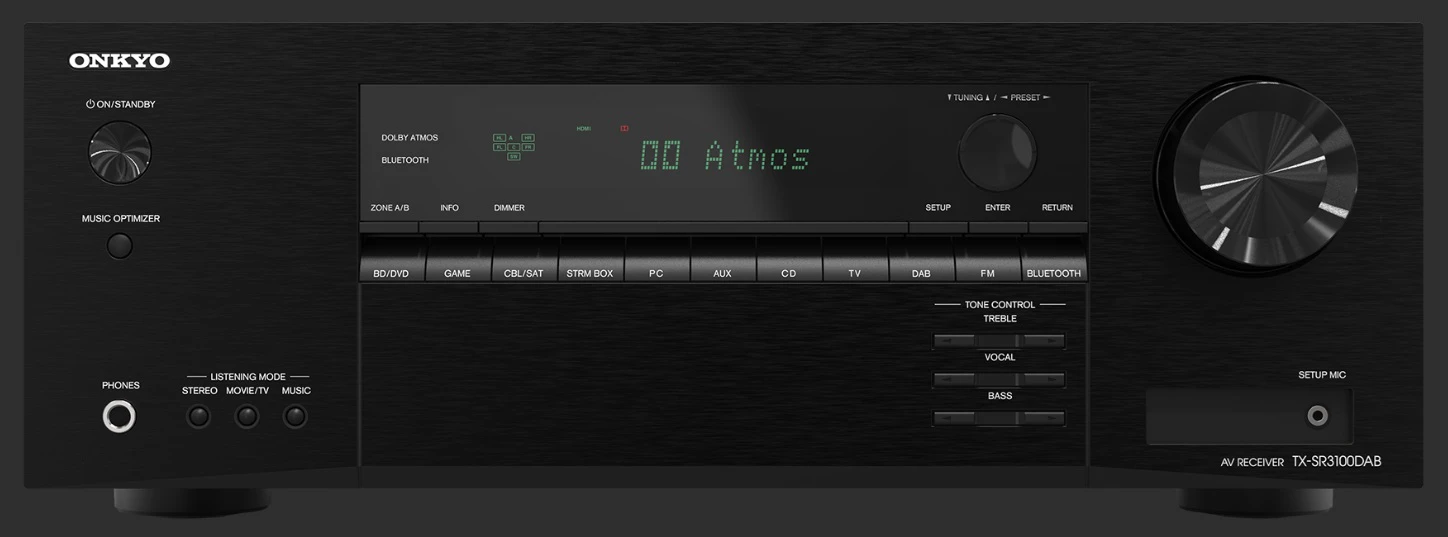
The entire top section features vents for better ventilation. On the front, the design is clean and has a brushed finish. At the top left, there’s the power button and another button for the “Music Optimizer,” a system designed to restore some of the quality to heavily compressed music. Just below that are the headphone jack and several buttons to adjust the sound profile for what you’re listening to—whether in stereo, movie/TV, or music mode.
In the center is the display that shows just the right amount of information, and below it are the buttons for switching between different sources, such as the console, the Blu-ray player, or the PC. There are also some very useful buttons for manually adjusting the bass and treble, as well as the vocals, in case you want the dialogue to be heard more clearly. On the far right is the volume wheel, and right next to it is the microphone jack used when setting up the system.
Rear Connections
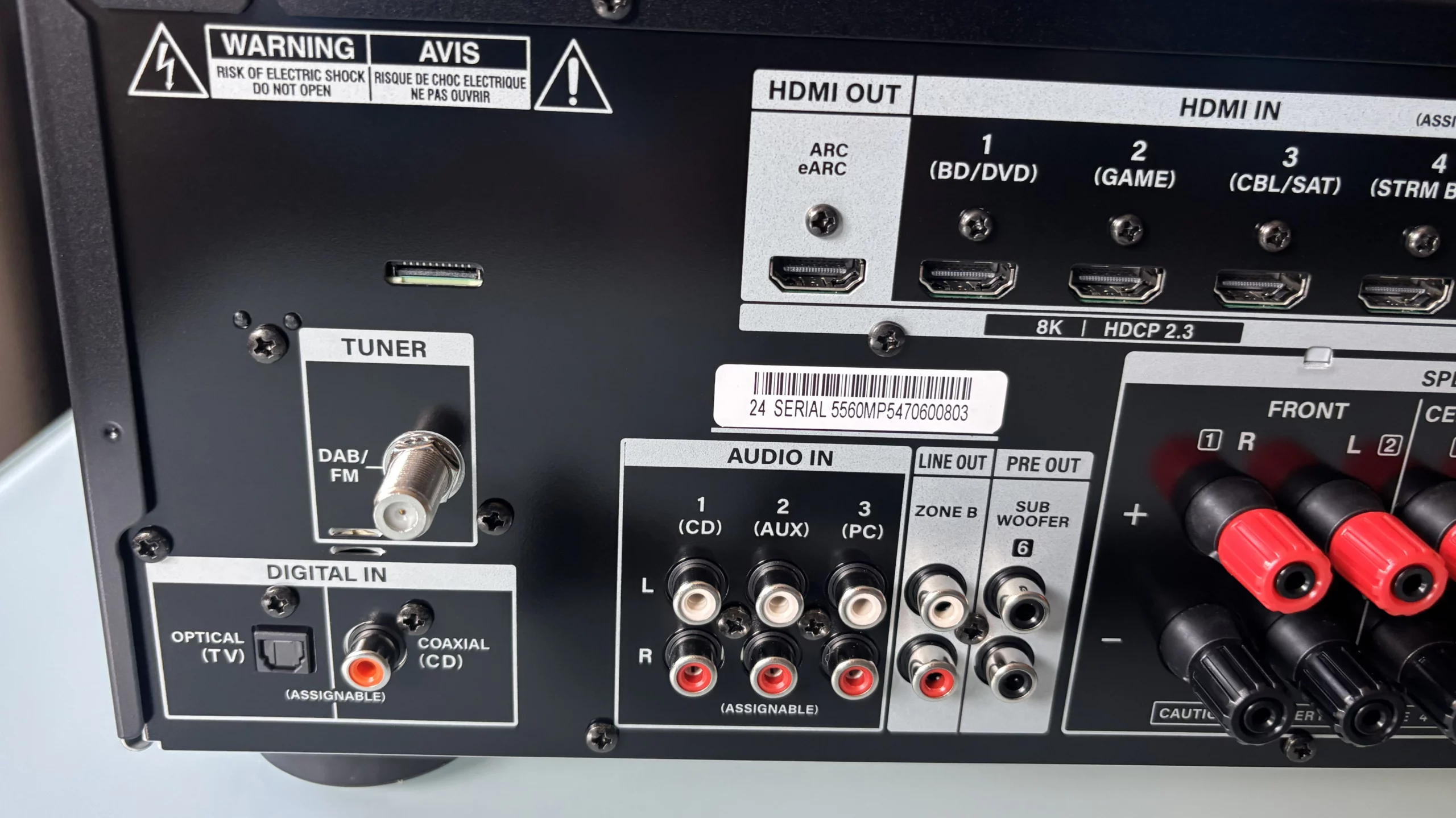
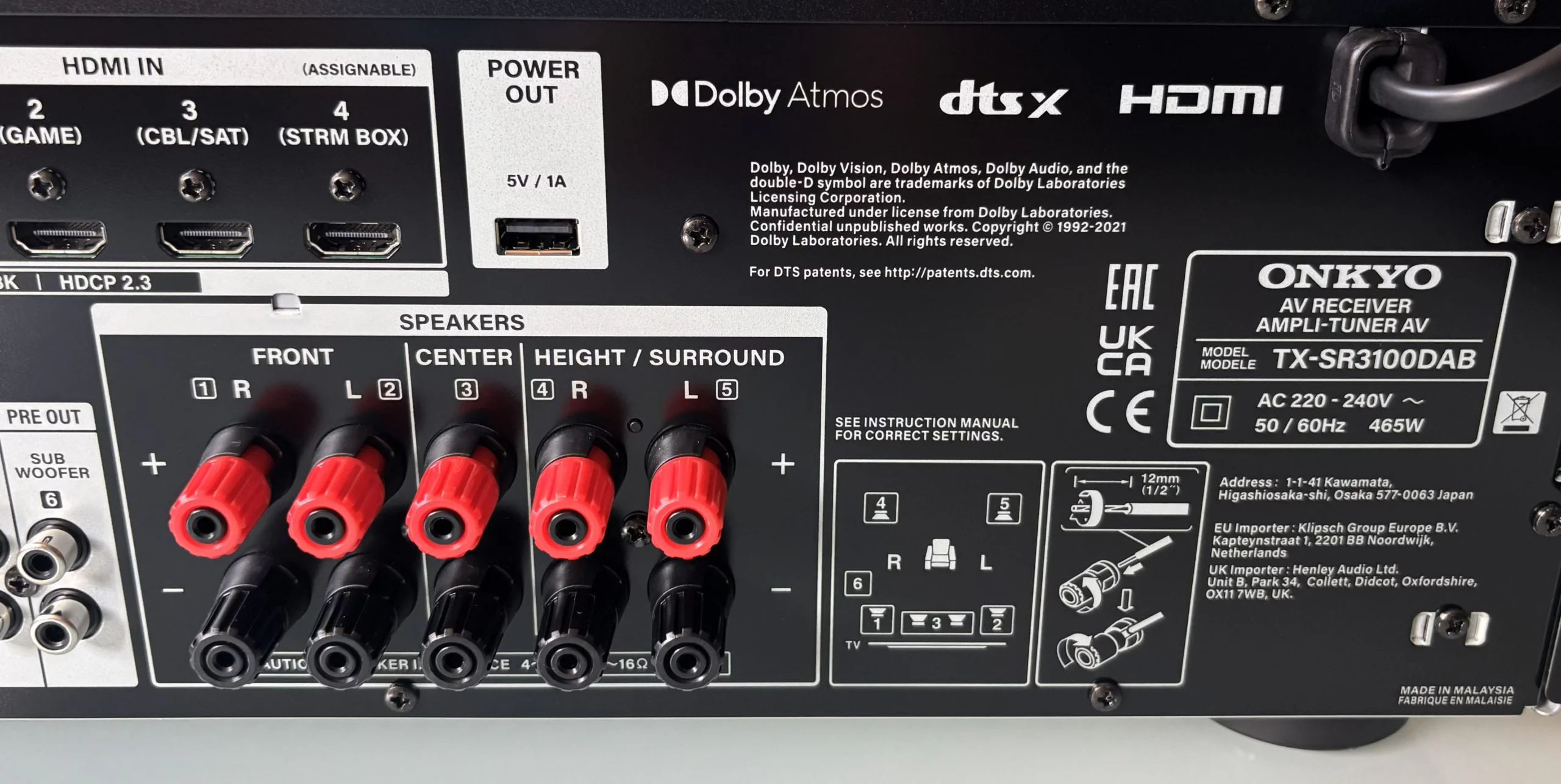
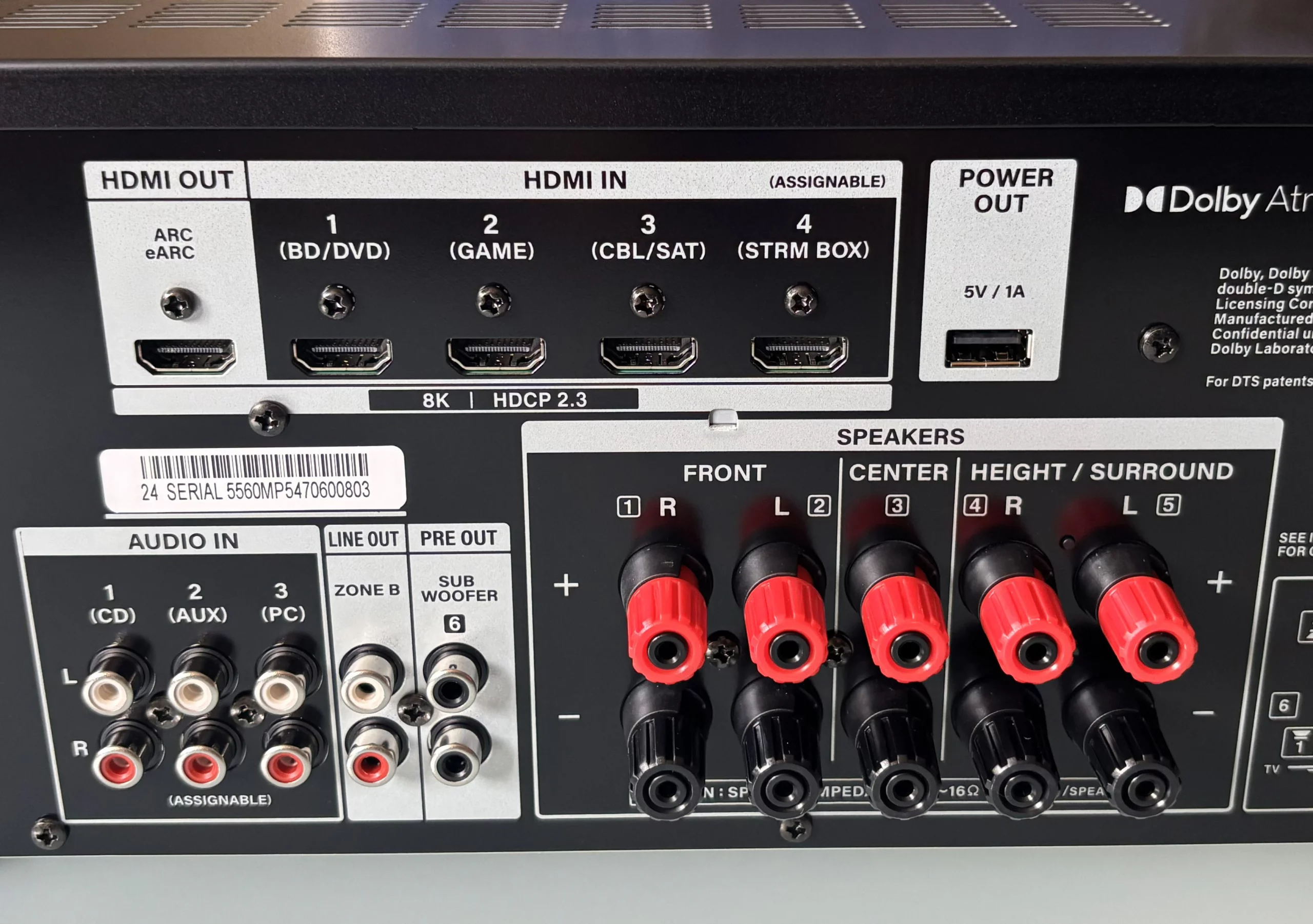
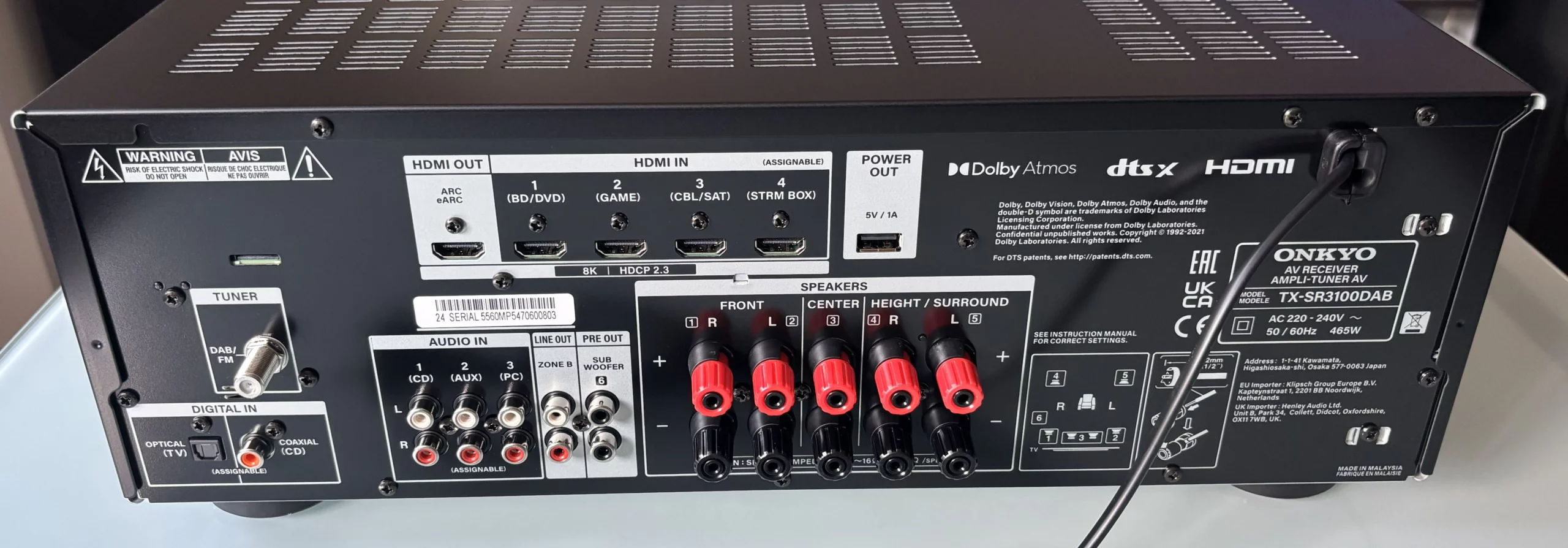
When you flip over the Onkyo TX-SR3100DAB, you’ll find a connection panel that more than covers what almost anyone needs. It features four HDMI 2.1 inputs capable of passing through 8K at 60 Hz or 4K at 120 Hz. This is something gamers will appreciate, as it also supports VRR and ALLM. It also has an HDMI output compatible with eARC. This covers consoles, PCs, and TVs. For other devices, there are digital audio inputs (one optical and one coaxial) and three analog RCA inputs.
Note: Since this unit does not have a phono preamp, you will need to use the RCA analog audio inputs to connect a turntable; however, the turntable must have a built-in preamp. Otherwise, you will need to use an external preamp.
As for the speakers, it allows us to connect up to a 5.2 or 3.2.2 system. It also has two subwoofer outputs, although they operate simultaneously and cannot be adjusted separately—which is typical for a receiver in this price range. In addition, it includes a “Zone B” output in case you want to send audio to another room using a separate amplifier.
Details on the connectors for the speaker system: It is compatible with banana plugs, but you must remove the small black cap in the center—due to European regulations…
And finally, it includes a DAB/FM connector and a USB port for charging any device. One thing to keep in mind is that it doesn’t have an internet connection—neither via cable nor Wi-Fi—although it does come with Bluetooth for wirelessly streaming music from your phone.
Remote control
Included with the receiver is the RC-970R, a classic remote control that’s lightweight and functional, with all the necessary buttons neatly organized. At the top is the orange power button, and right next to it are the controls for managing a second audio zone, if you have one set up.

A little further down, there’s a very handy section with quick-access buttons to select the source you want to use: BD/DVD, GAME, CBL/SAT, PC, AUX, TV, etc. It also features the standard playback controls (play, pause, fast-forward, rewind), which come in handy if you’re listening to music via Bluetooth or USB.
In the center is the directional pad for navigating the receiver’s menus, with the “ENTER” button in the middle to confirm selections. Surrounding this area are useful buttons such as the “QUICK MENU” button, which lets you access quick settings without leaving the current screen, and the “i” button, which displays information about the signal you’re receiving.
Of course, it wouldn’t be complete without the volume up and down buttons, the “MUTE” button, and controls for adjusting the treble (“TREBLE”), bass (“BASS”), and one for enhancing vocals (“VOCAL”).
At the very bottom are the shortcut buttons for switching listening modes on the fly: “STEREO,” “MOVIE/TV,” and “MUSIC.” Finally, there are buttons for less common functions, such as adjusting the brightness of the receiver’s display (“DIMMER”), saving radio stations, or switching to other modes.
Settings, Calibration, and Quick Menu
Once we turn on the Onkyo TX-SR3100DAB and enter the main setup menu, we’re greeted by an interface that, although simple and text-based, is very clear and easy to navigate.
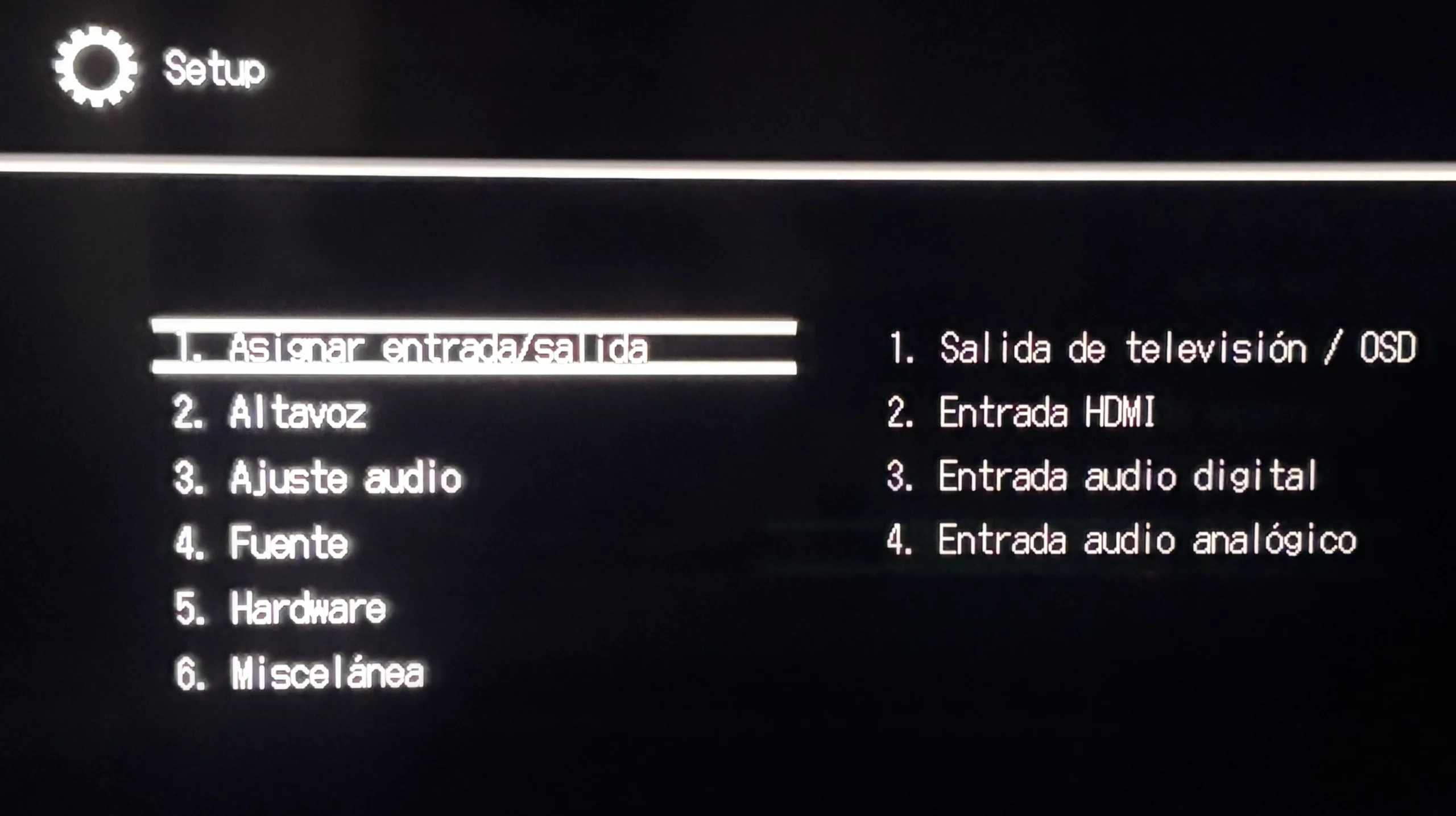
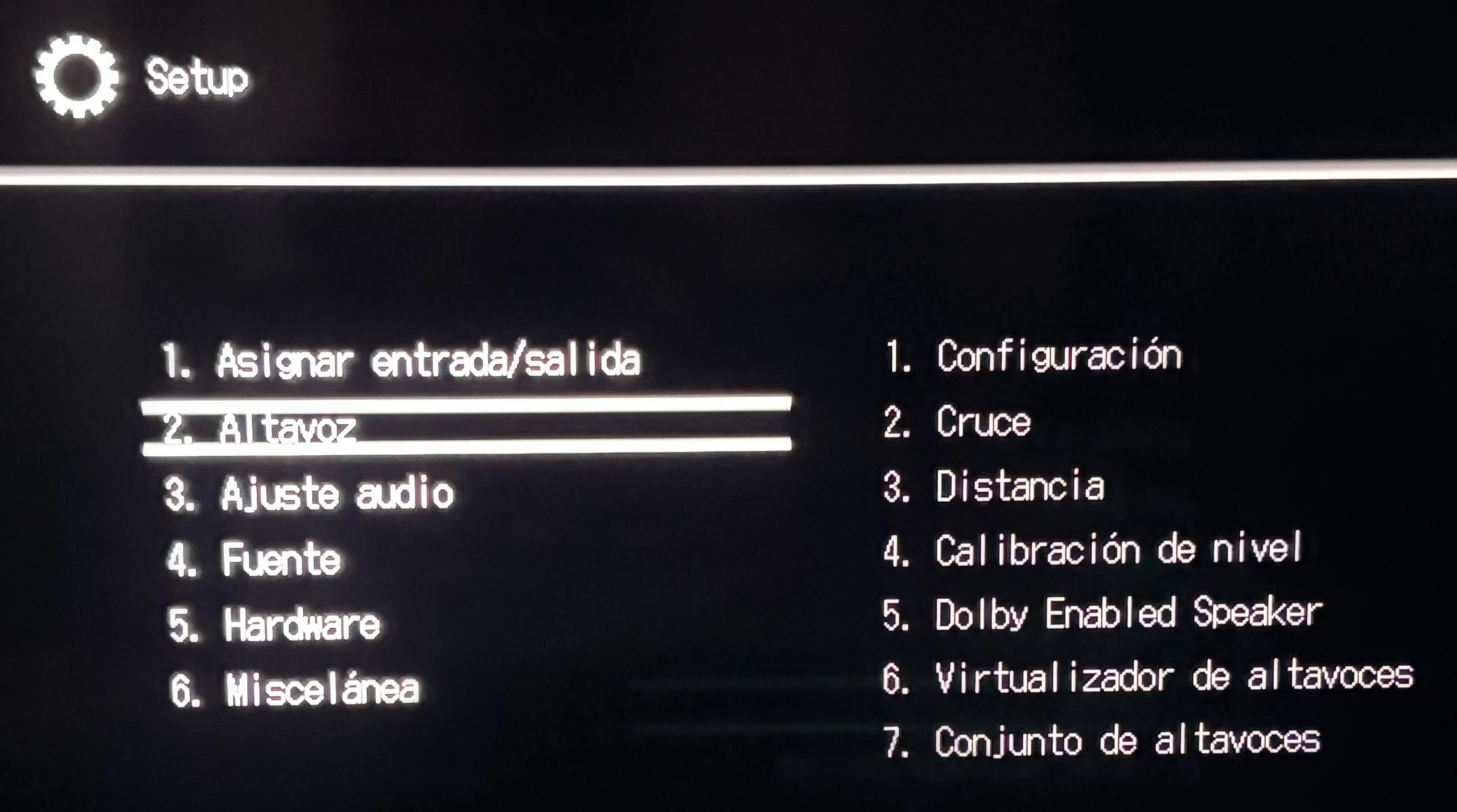
In the first section, we can choose where the signal is sent to the TV and assign the type of connection we use for each source. In the speaker section, we tell the receiver how far each speaker is from our favorite spot on the couch and adjust the crossover. It also lets us configure specific speakers for Dolby or use a virtualizer if we don’t have a room full of speakers but still want that immersive sound.
Tip: To make this setup easier, it’s best to use the auto calibration (AccuEQ system), since all you have to do is plug in the microphone that comes in the box, and the system will start playing some test tones—which, by the way, quite loud, so don’t even think about doing this at night—to measure how sound bounces off the walls and where the speakers are positioned. The receiver then adjusts itself automatically to ensure everything is balanced. It’s a fairly quick process that automatically resolves acoustic issues. It’s true that it’s not as advanced as Dirac Live, but the latter system is usually found in higher-end models.
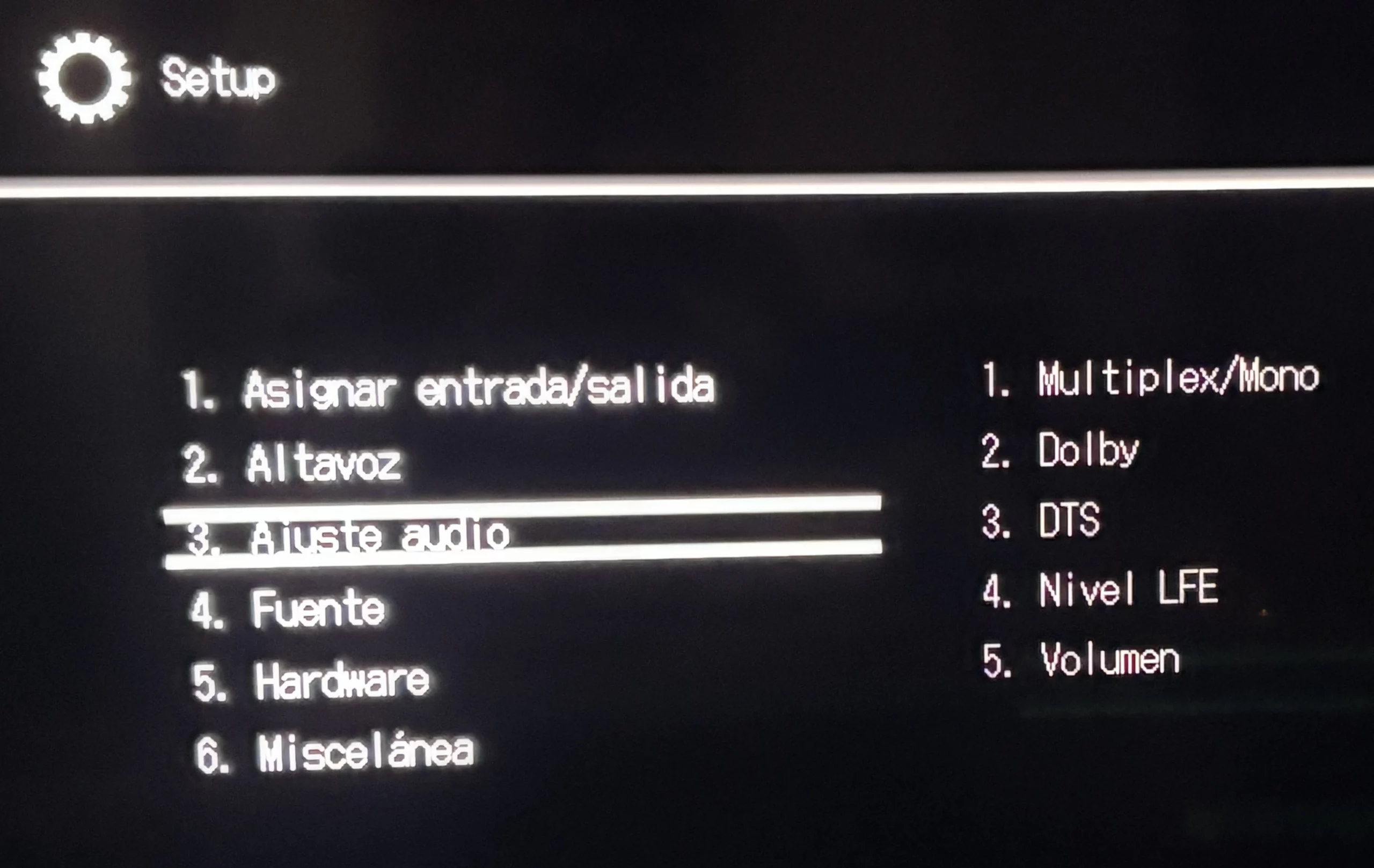
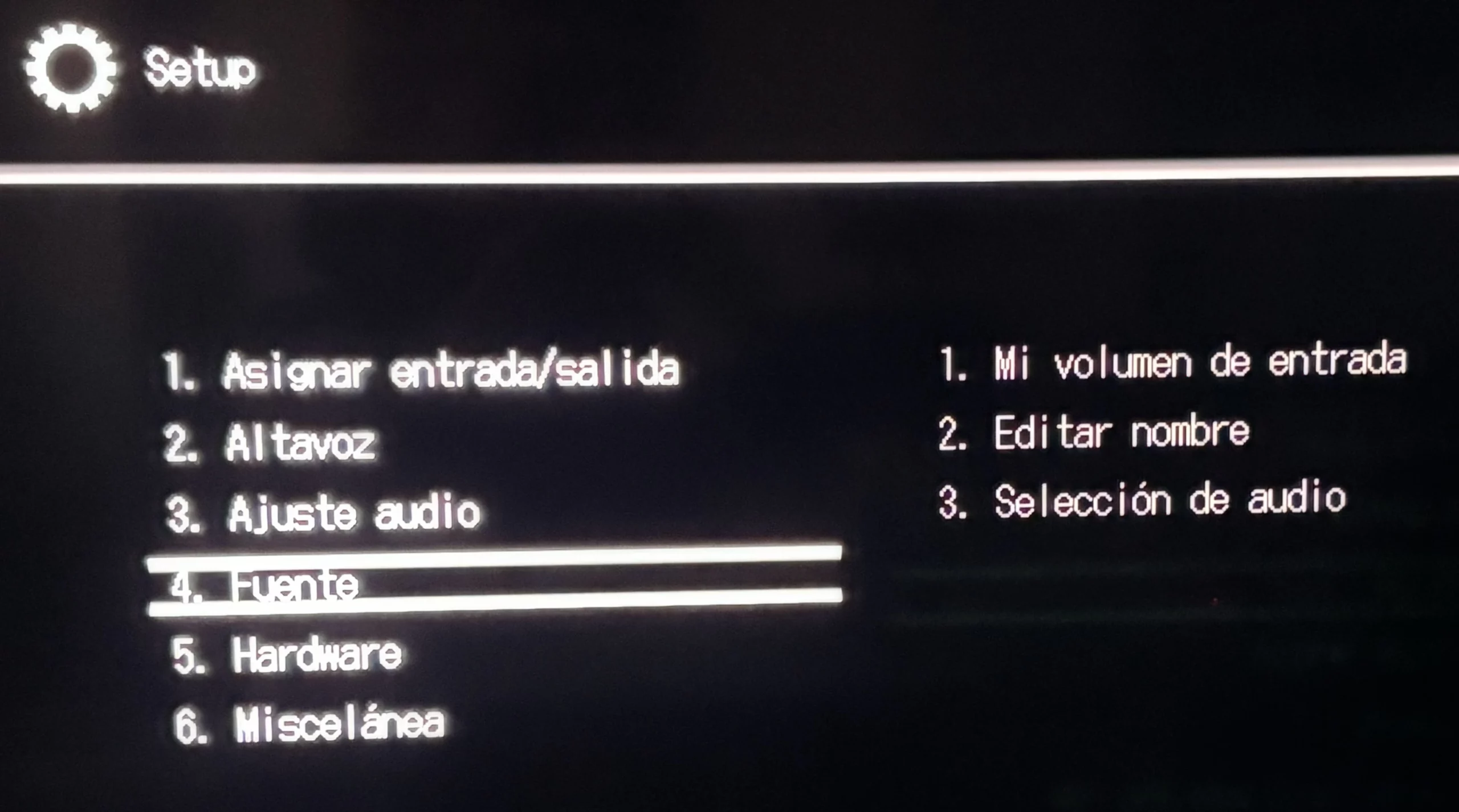
If we continue navigating through the menus, we’ll find a section for adjusting the audio, such as the volume of the LFE channel (the one for low-frequency effects that make the floor vibrate) or how we want the Dolby and DTS processing to work.
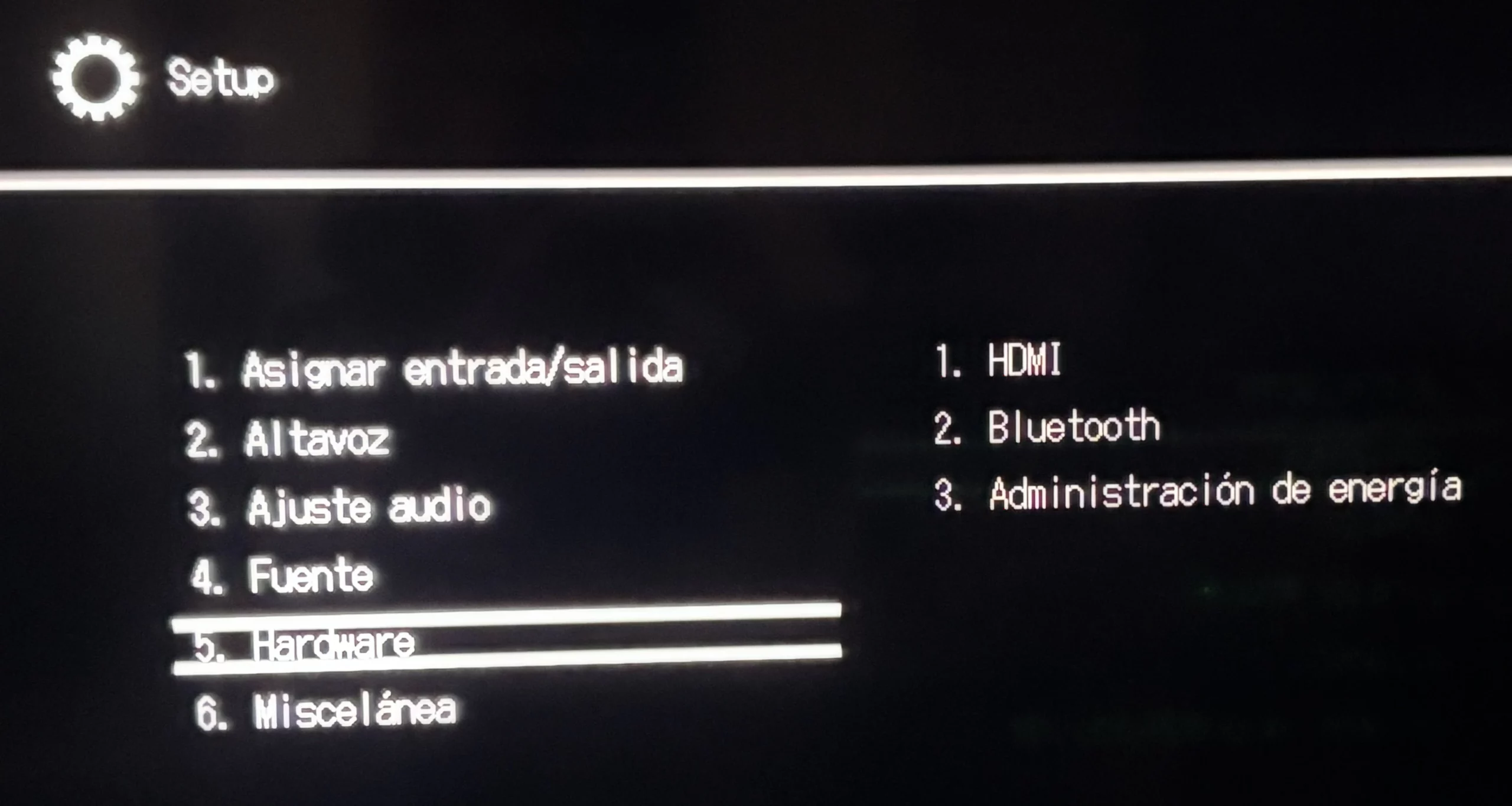
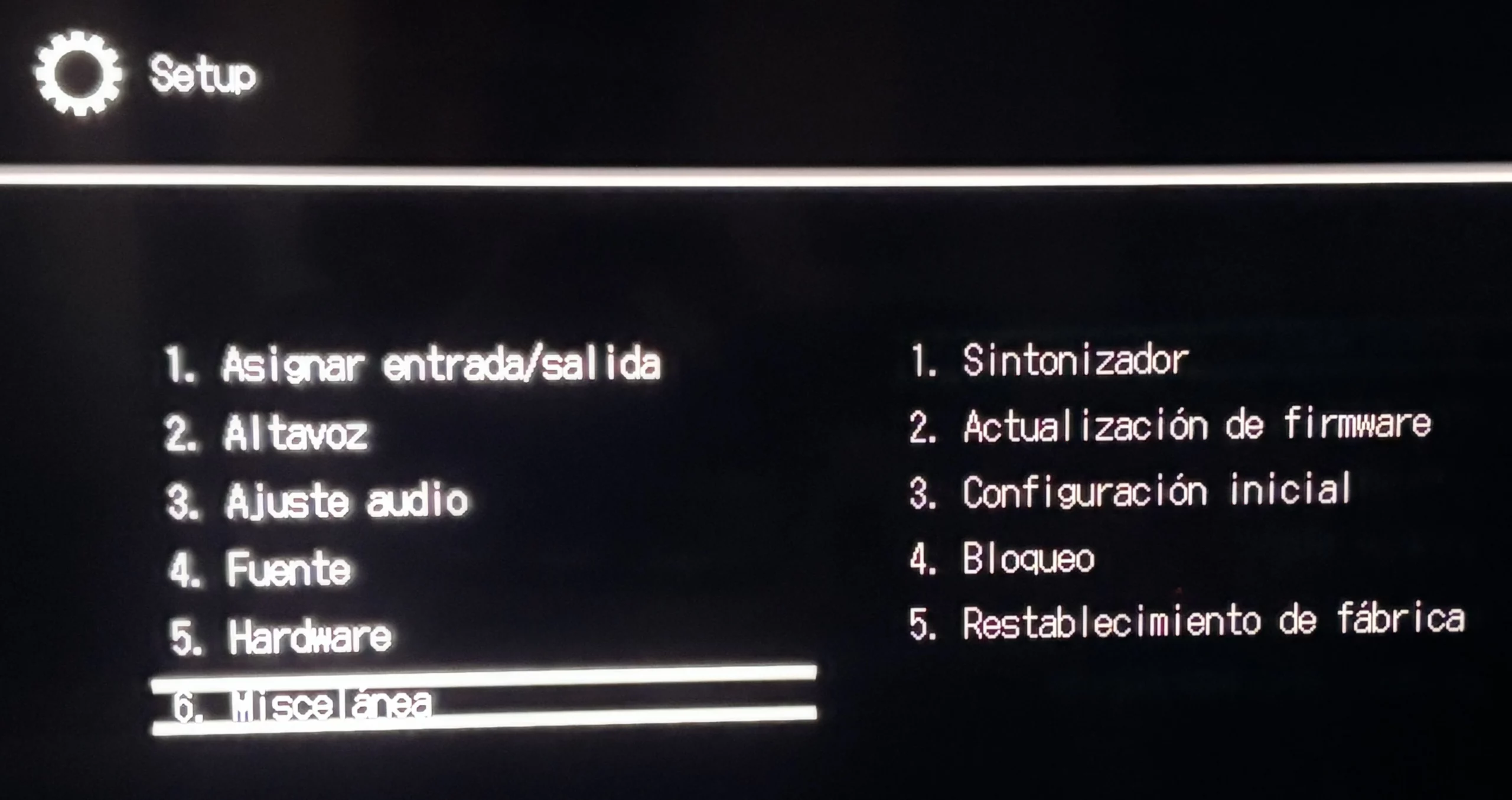
The last few items on the main menu allow you to manage more technical settings, such as Bluetooth, power saving, and system updates, so that the receiver is always up to date.
Quick Menu
And for those times when we’re watching a movie and just want to quickly adjust a setting without leaving the picture, Onkyo has included a “Quick Menu,” accessible from the remote control, which appears as an overlay in one corner of the screen.
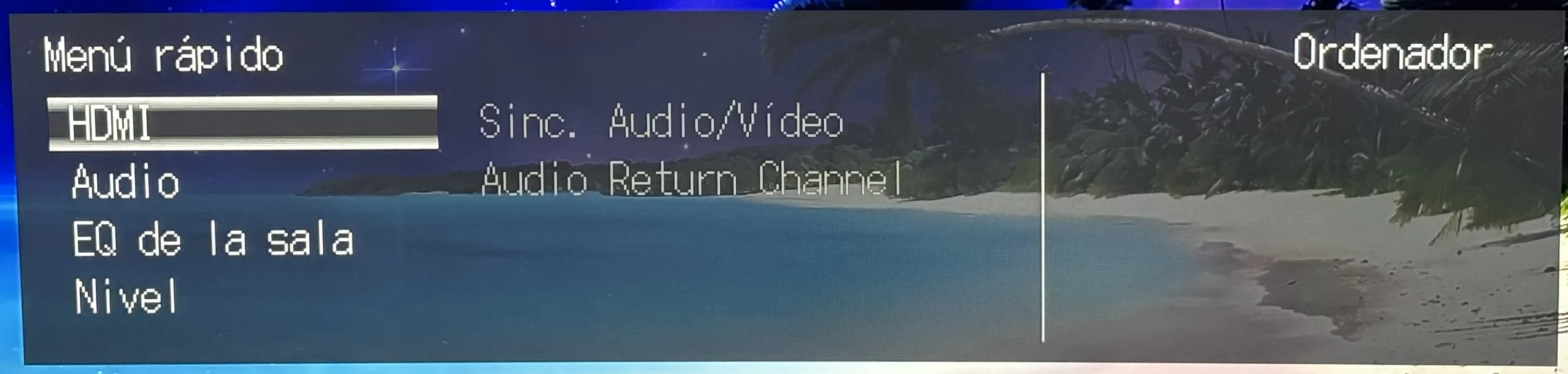
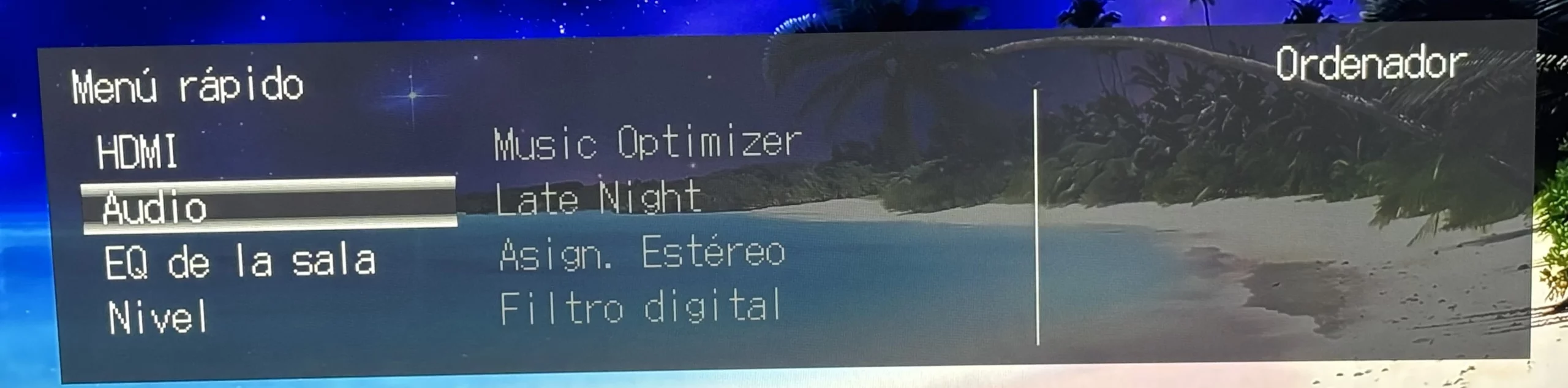


From here, you can sync the audio with the video if you notice they’re slightly out of sync, or enable the Audio Return Channel (ARC). It’s a very handy menu; it even lets you enable features like “Late Night,” which softens the sound so it won’t disturb you if you’re watching a movie at night, or “Music Optimizer,” which helps music sound richer.
It also lets us tweak the levels of the front speakers, the center speaker, or the subwoofer individually if we notice that any of them aren’t quite up to par, something you can then cross-check by measuring your room’s acoustics.
Testing and Final Evaluation of the Onkyo TX-SR3100DAB
To see what this device is capable of in a real-world setting, we connected it to a pair of Teufel Theater 500 tower speakers along with the Teufel T 10 subwoofer. The first thing I notice is that, despite being an entry-level receiver, the Class AB amplification performs wonderfully with speakers of this size.

I started watching Christopher Nolan’s *Dunkirk*, which, as you know, has a sound mix where the music and explosions sometimes drown out the dialogue, but when you enable “Vocal Enhancer,” the receiver distributes some of the information from the center channel to the front speakers, making the dialogue much easier to understand. That said, I recommend not going overboard with this setting, because if you turn it all the way up, the sound loses some of its natural quality.
Moving on to music, I wanted to try something with a lot of punch, so I chose the “Bohemian Rhapsody” concert. In stereo mode, the Onkyo pleasantly surprised me; it delivers a very balanced sound, without those shrill trebles that cheap amplifiers sometimes have. With the Teufels cranked up, the music feels alive and full-bodied.
I also gave Dolby Atmos’s height virtualization system a try. For this, I used the fighter jet scene from *Top Gun: Maverick*. Even though I didn’t physically have speakers mounted on the ceiling, when I enabled this feature, the sound seemed to rise up and fill the room much more fully. It’s not as precise as having speakers actually installed overhead—since the effect is concentrated more toward the upper front—but it certainly sounds much more immersive.
As for the picture quality, I connected it to my computer and played games for quite a while. Thanks to its HDMI 2.1 ports supporting 4K at 120 hertz and VRR, the gameplay is completely smooth with no lag whatsoever. Plus, it handles formats like Dolby Vision and HDR10+ with ease, so the color quality is amazing.
It’s true that it doesn’t have an internet connection or a direct turntable input, but that’s to be expected given its very competitive price. For the €499 it costs, I think Onkyo has really hit the mark. It’s a solid piece of equipment that doesn’t try to mislead anyone and performs far better than other receivers in the same price range. Because it’s so easy to set up and performs so well with movies, music, and games, we’re awarding it our “Recommended Product” designation and our Value for Money Award.